52.1M

Duolingo Math@duolingo
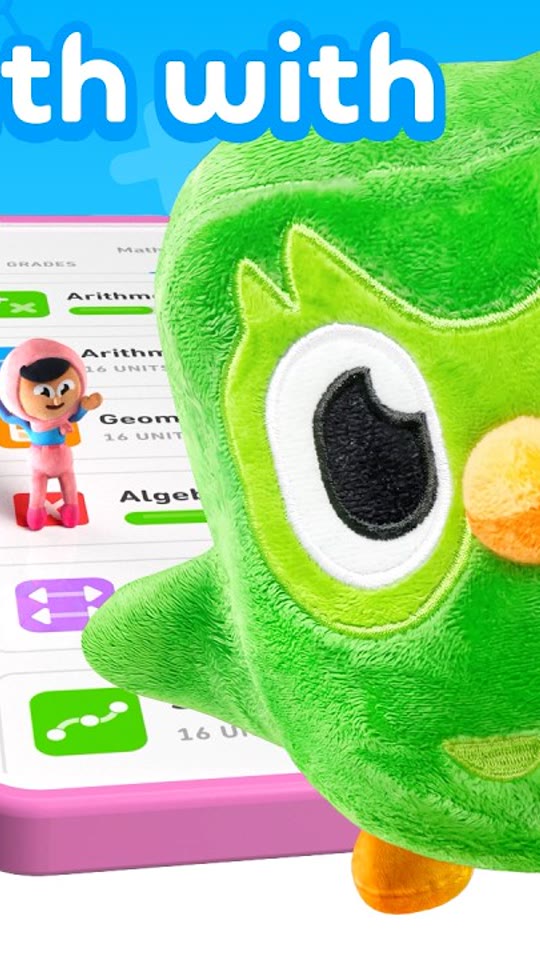
Mascot hookDuolingo MathMascot hookLearn Math the Fun Way with Duolingo Math
View breakdown & steal0:18
Three-step walkthrough with your app footage. Your message. Your version.
ObservedRead from the platform, not inferred
Our readEverything below is our analysis of the video
How the video gets attention in its first few seconds.
A real hand, a real phone, a physical object. Overhead 'hands and phone' is the cheapest way to make a screen recording feel like UGC.
A scene-by-scene look at how the message unfolds.
The creative choices worth considering for your own app.
What may not translate to your app
This is a how-to for a physical product, not a paid install ad. The format transfers; the goal does not.
Frame we checked: Overhead vertical shot of an iPhone on a grey surface showing the tag-activation screen, a hand reaching in, a star-shaped keychain tag beside the phone. Burned-in green caption at the bottom. We embed the brand's own upload with the platform's player and do not re-host it. How examples are verified.
Duolingo MathMascot hookLearn Math the Fun Way with Duolingo Math
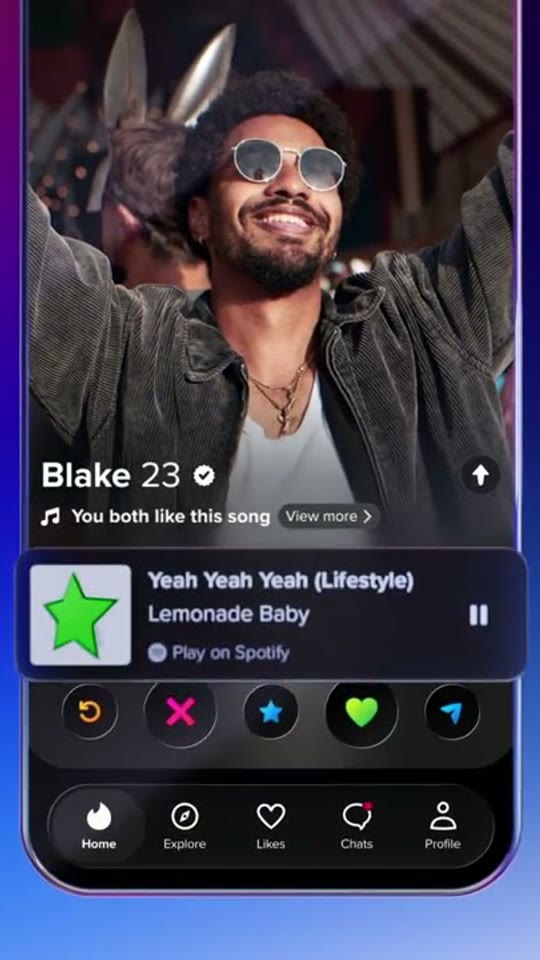
 Duolingo × TinderCreator reaction
the beautiful game? flirting in another language — Match On Duolingo x Tinder