52.1M

Duolingo Math@duolingo
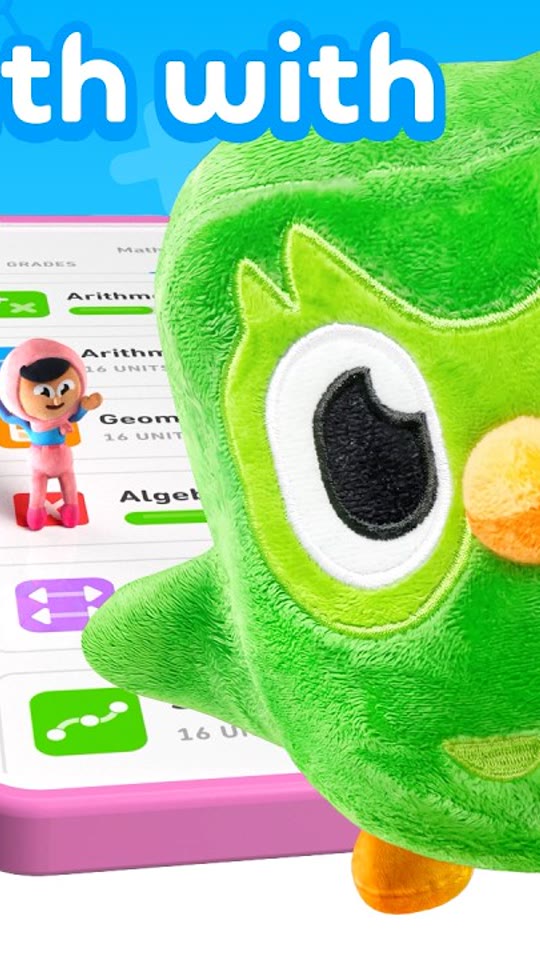
Mascot hookDuolingo MathMascot hookLearn Math the Fun Way with Duolingo Math
View breakdown & steal0:18
Hook + demo with your app footage. Your message. Your version.
ObservedRead from the platform, not inferred
Our readEverything below is our analysis of the video
How the video gets attention in its first few seconds.
A single feature, framed as a social moment ('you both like this song'). The UI itself is the hero; the gradient keeps the phone readable on any feed.
A scene-by-scene look at how the message unfolds.
The creative choices worth considering for your own app.
What may not translate to your app
The thumbnail is a composed mockup, so timing of the beats was inferred from the title and frame, not measured.
Frame we checked: Phone mockup centered on a blue-to-purple gradient with music notes: a profile card ('Blake 23'), a 'You both like this song' bar and a player card showing the track. We embed the brand's own upload with the platform's player and do not re-host it. How examples are verified.
Duolingo MathMascot hookLearn Math the Fun Way with Duolingo Math
 Duolingo × TinderCreator reaction
the beautiful game? flirting in another language — Match On Duolingo x Tinder